
EyeTrack Cursor
AI / PythonA step to a smarter controller
Our body is an extension of our ideas. Imagine a world where office work is so convenient that you don't need a mouse; you can control the computer with just your eyes.
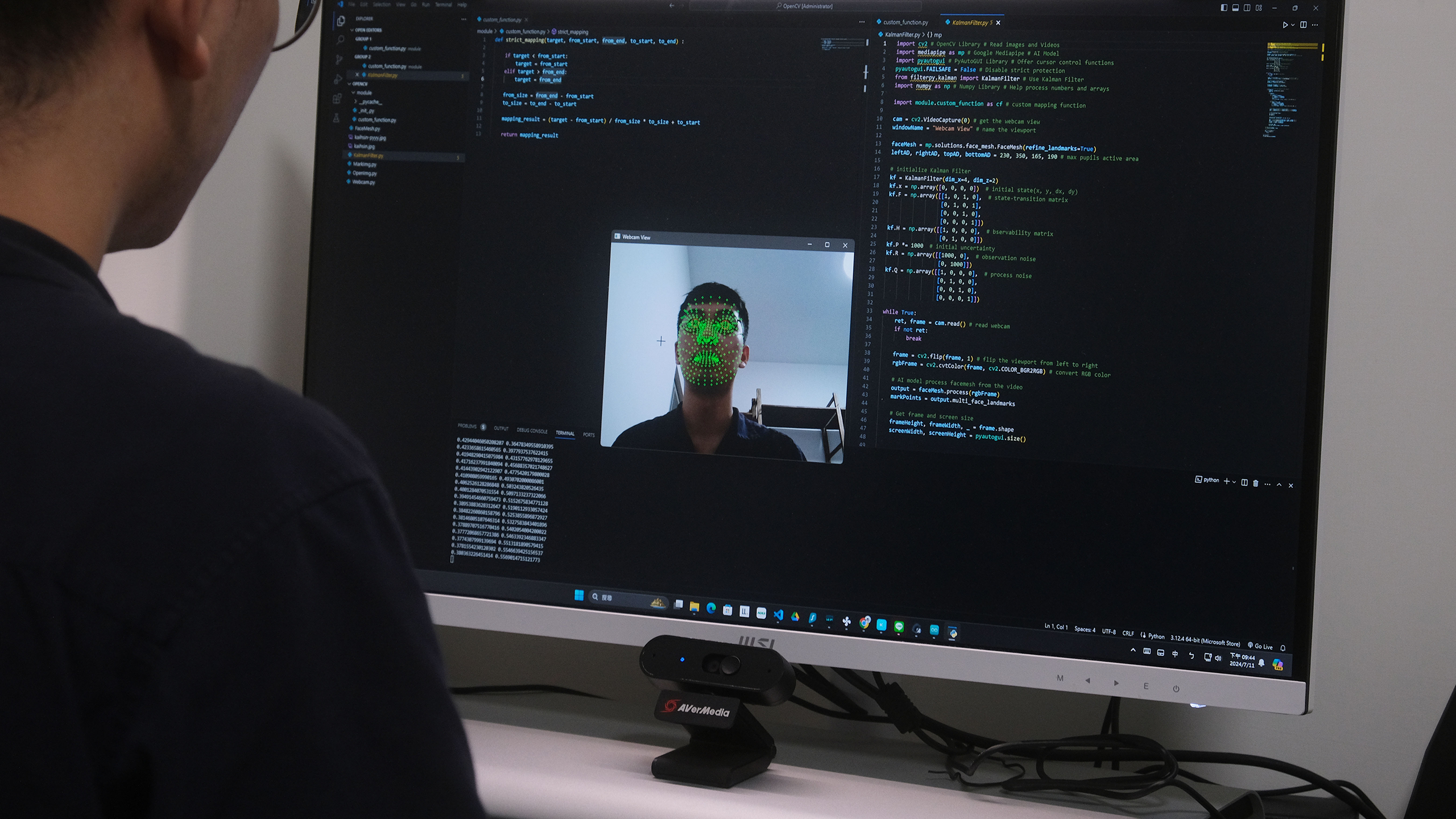
In the past, achieving such a vision required a significant amount of time to train models so that machines could recognize faces and features. Fortunately, Google has already trained the Mediapipe model for us. This model can annotate facial features while reading images or videos, including the most important feature for this project—the position of the pupils.
Using Mediapipe FaceMesh
Mediapipe FaceMesh returns the coordinates of each facial feature point based on the image. These points are marked with green dots on the viewport, and the pupil features are specifically highlighted with red circles.
Result
After calibration, the position of the pupils in the image can be accurately mapped to the corresponding position on the computer screen, enabling precise cursor control.
Project Challenges
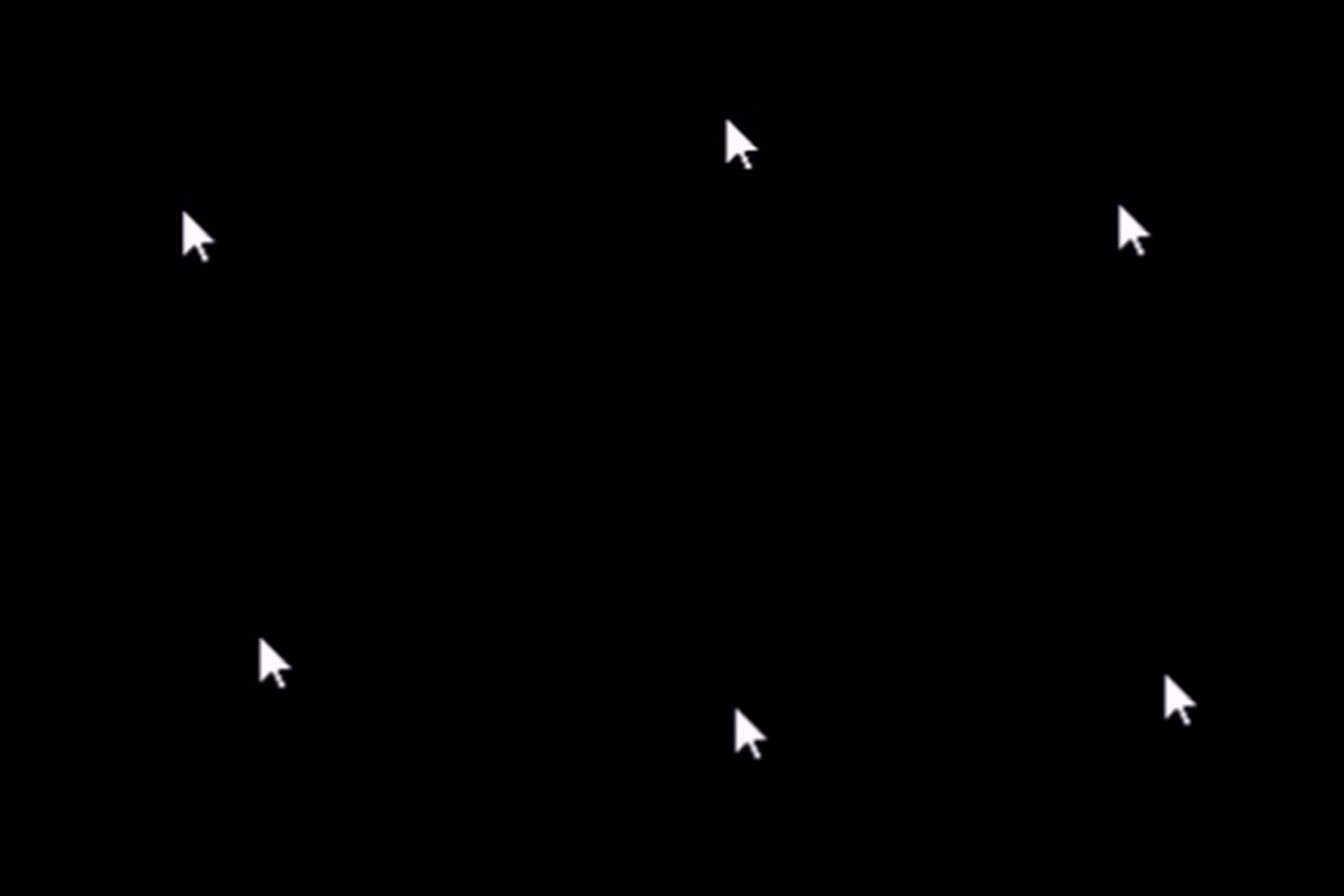
After successfully using Mediapipe FaceMesh to capture facial features and control the cursor based on the position of the pupils on screen, we encountered an issue where the cursor would jitter around. This was due to small errors in the annotated feature points of the model in each frame, akin to environmental noise in ideal data, resulting in an unstable final position of the cursor.
To address this, we incorporated a "Kalman filter" to mitigate measurement errors, ultimately stabilizing the cursor's position and making it easier to control.
 Before using Kalman Filter
 After using Kalman Filter
Python Code
main.py
import cv2 # OpenCV Library # Read images and Videos
import mediapipe as mp # Google Mediapipe # AI Model
import pyautogui # PyAutoGUI Library # Offer cursor control functions
pyautogui.FAILSAFE = False # Disable strict protection
from filterpy.kalman import KalmanFilter # Use Kalman Filter
import numpy as np # Numpy Library # Help process numbers and arrays

import module.custom_function as cf # custom mapping function

cam = cv2.VideoCapture(0) # get the webcam view
windowName = "Webcam View" # name the viewport

faceMesh = mp.solutions.face_mesh.FaceMesh(refine_landmarks=True)
leftAD, rightAD, topAD, bottomAD = 230, 350, 165, 190 # max pupils active area

# initialize Kalman Filter
kf = KalmanFilter(dim_x=4, dim_z=2)
kf.x = np.array([0, 0, 0, 0])  # initial state(x, y, dx, dy)
kf.F = np.array([[1, 0, 1, 0],  # state-transition matrix
                    [0, 1, 0, 1],
                    [0, 0, 1, 0],
                    [0, 0, 0, 1]])
kf.H = np.array([[1, 0, 0, 0],  # bservability matrix
                    [0, 1, 0, 0]])
kf.P *= 1000  # initial uncertainty
kf.R = np.array([[1000, 0],  # observation noise
                    [0, 1000]])
kf.Q = np.array([[1, 0, 0, 0],  # process noise
                    [0, 1, 0, 0],
                    [0, 0, 1, 0],
                    [0, 0, 0, 1]])

while True:
    ret, frame = cam.read() # read webcam
    if not ret:
        break

    frame = cv2.flip(frame, 1) # flip the viewport from left to right
    rgbFrame = cv2.cvtColor(frame, cv2.COLOR_BGR2RGB) # convert RGB color

    # AI model process facemesh from the video
    output = faceMesh.process(rgbFrame)
    markPoints = output.multi_face_landmarks

    # Get frame and screen size
    frameHeight, frameWidth, _ = frame.shape
    screenWidth, screenHeight = pyautogui.size()


    # Draw circle on the face feature in the viewport
    if markPoints :
        landmarks = markPoints[0].landmark
        index = 0

        if landmarks :
            # face mesh mark
            for landmark in landmarks :
                x = landmark.x * frameWidth
                y = landmark.y * frameHeight
                index += 1
                cv2.circle(frame, (int(x), int(y)), 2, (0, 255, 0), 1)

            # pupils mark
            for index in [473, 468] :
                landmark = landmarks[index]
                x = landmark.x * frameWidth
                y = landmark.y * frameHeight
                cv2.circle(frame, (int(x), int(y)), 10, (0, 0, 255), 1)


            # the middle coordinates of the two pupils
            eyeX = (landmarks[473].x + landmarks[468].x) / 2 *frameWidth
            eyeY = (landmarks[473].y + landmarks[468].y) / 2 *frameHeight

            # update Kalman Filter
            z = np.array([eyeX, eyeY])
            kf.predict()
            kf.update(z)

            # get smoothened coordinates
            smoothed_eyeX, smoothed_eyeY = kf.x[0], kf.x[1]

            xAD = cf.strict_mapping(smoothed_eyeX, leftAD, rightAD, 0, 1)
            yAD = cf.strict_mapping(smoothed_eyeY, topAD, bottomAD, 0, 1)
            screenX = int(xAD * screenWidth)
            screenY = int(yAD * screenHeight)

            print(xAD, yAD)
            pyautogui.moveTo(screenX, screenY, duration=0)

    # render the viewport
    cv2.imshow(windowName, frame)

    # Press "q" key to exit
    key = cv2.waitKey(1)
    if key == ord("q") :
        break

# Close webcam
cam.release()
cv2.destroyWindow(windowName)
/module/custom_function.py
def strict_mapping(target, from_start, from_end, to_start, to_end) :

    if target < from_start:
        target = from_start
    elif target > from_end:
        target = from_end

    from_size = from_end - from_start
    to_size = to_end - to_start

    mapping_result = (target - from_start) / from_size * to_size + to_start

    return mapping_result